Concretely
What it does, point by point.
Day, week and month views
Per crew or for the whole company. Recurring jobs create themselves.
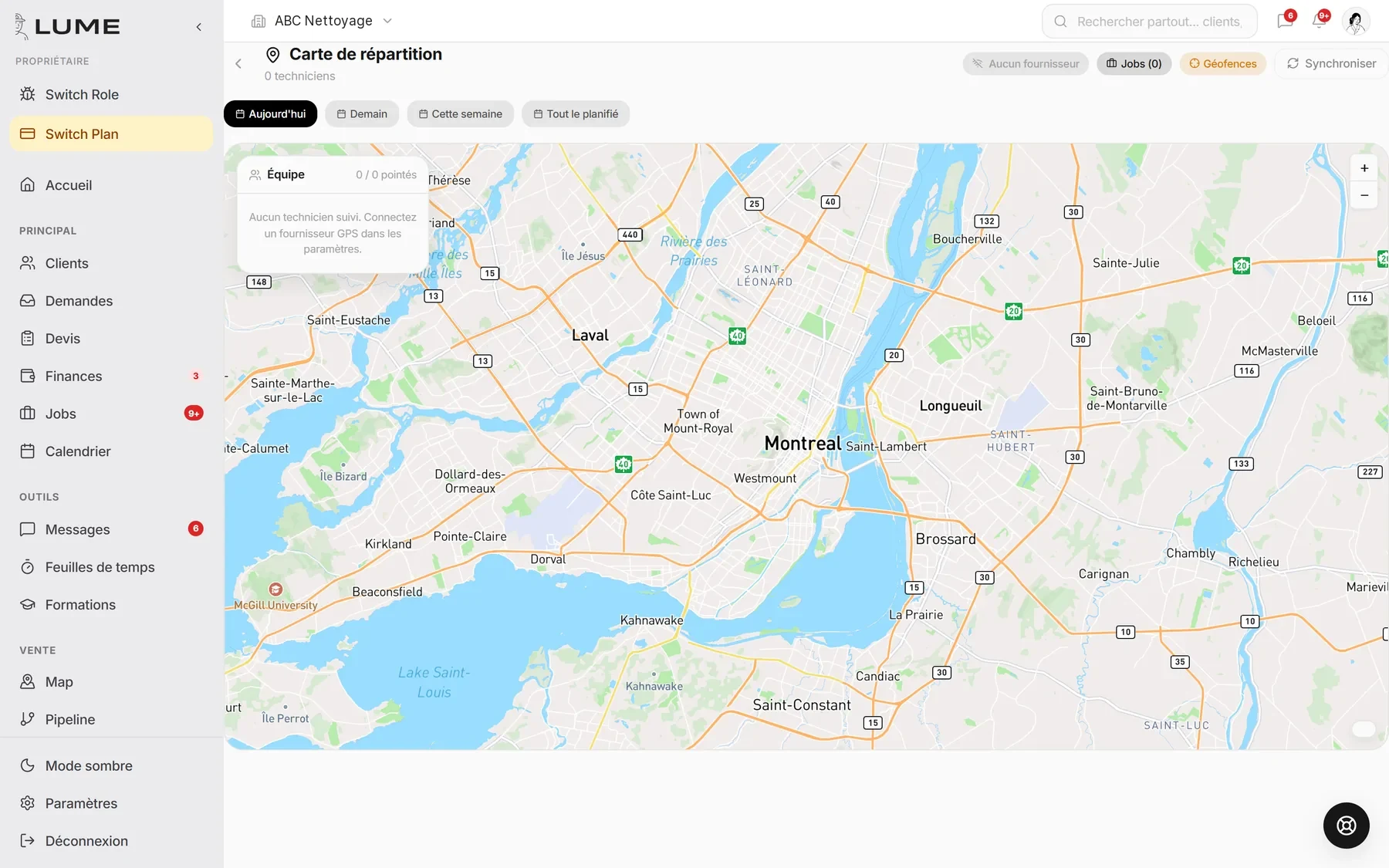
Dispatch map
All of the day's jobs on the map, per crew, with crews live.
Optimized routes
Job order recomputed on real roads, not as the crow flies.
Live GPS
Where each crew is, right now. With everyone’s consent.
Client notified
Move, delay, crew on the way: the text goes out on its own.
How it goes
In three steps.
- 1The job enters the calendar
From a signed quote or created by hand.
- 2You assign and drag
A crew, a slot. The route recomputes.
- 3The field follows on their phone
Route, address, notes, photos, hours.
What it replaces
- The whiteboard in the garage
- The “where are you?” texts
- Jobs forgotten at the change of season
Frequently asked questions
Does GPS track my employees off hours?
No. Tracking stops at sign-out, and each employee gives consent in the app.
Does it work without signal?
The day's route and job stay visible; changes sync when the signal comes back.
The other jobs