Concretely
What it does, point by point.
A form in your colours, embedded on your site. Every submission becomes a request in Lume, with the address and the service wanted.
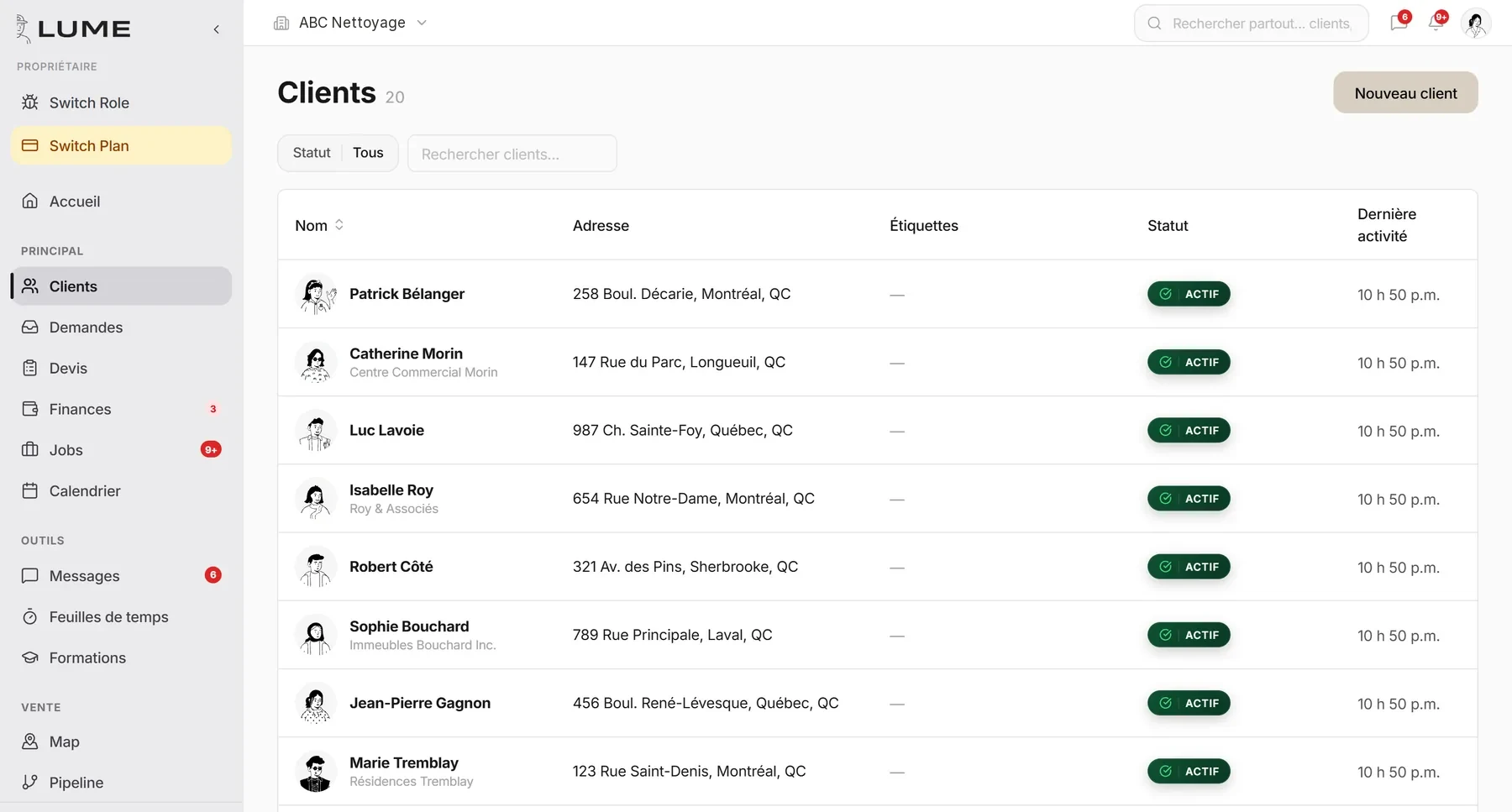
Contact details, properties, internal notes, photos, signed contracts, job and payment history.
One client, several addresses. The right property is carried onto the quote and the job.
The client approves their quote, pays their invoice and reviews their documents from a link, no account needed.
A name, a phone number, an address, an invoice number: global search finds it all.
Your clients come in from a CSV or an export of your old tool. With Autopilot on annual billing, the import is free and we handle it.
How it goes
In three steps.
- 1The request comes in
Website, text, call. It shows up in Requests with what the client filled in.
- 2The client is created
Once, with their property. Never retyped again.
- 3The history builds itself
Every quote, job, invoice and message files itself in the record.
What it replaces
- The client spreadsheet
- Contacts in a personal phone
- Requests lost in the inbox
Frequently asked questions
Do my clients need an account?
No. The portal opens from a secure link sent by email or text.
How many clients can I have?
No limit, on every plan.
The other jobs